Most home camera systems fail for boring reasons: a lens pointed at a hedge, a Wi-Fi signal that dies at the gate, or footage too dark to identify anyone. Placement and lighting matter more than resolution. This plan starts at the approach and works inward.
Start with the purpose
Decide what the system is for before buying hardware:
- Deterrence — visible cameras at entry points.
- Identification — close, well-lit views of faces and vehicles.
- Event reconstruction — wider coverage of paths and boundaries.
- Remote monitoring — reliable live view of specific areas.
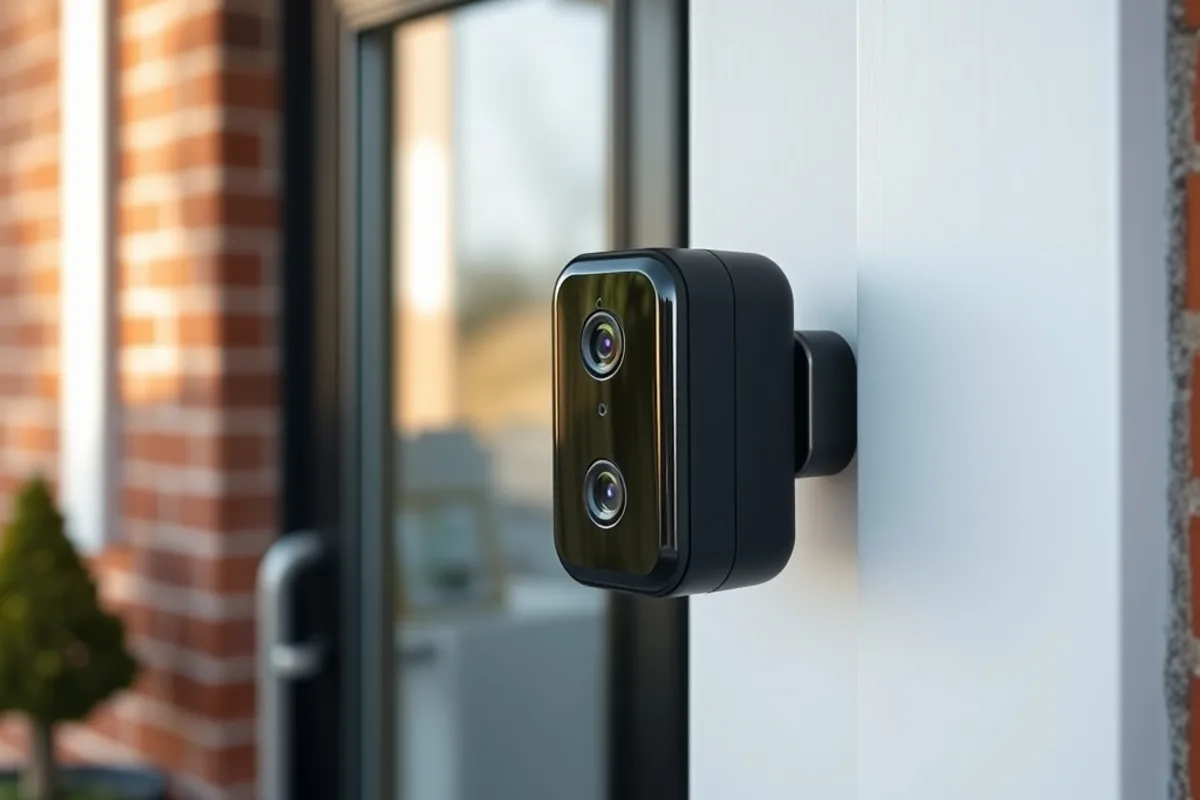
One camera cannot do all four well. A doorbell camera identifies visitors; a wider eave camera shows the approach.
Draw a coverage map
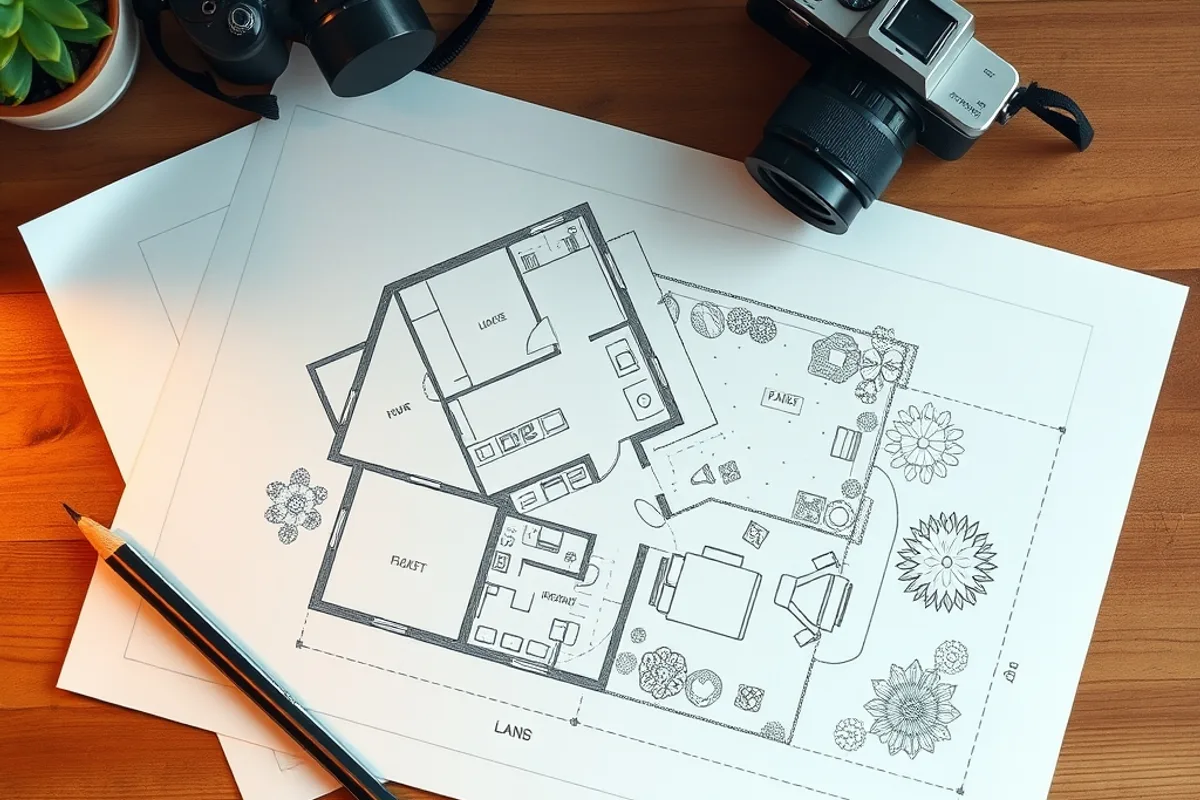
Sketch the property and mark:
- All doors and ground-floor windows.
- Driveways, gates, garages and side passages.
- Neighbours' windows and public footpaths.
- Power outlets, network points and Wi-Fi coverage.
Aim for overlapping fields of view at the most likely entry routes. Overlap is what lets you follow a person from the street to the door.
Placement rules that hold up
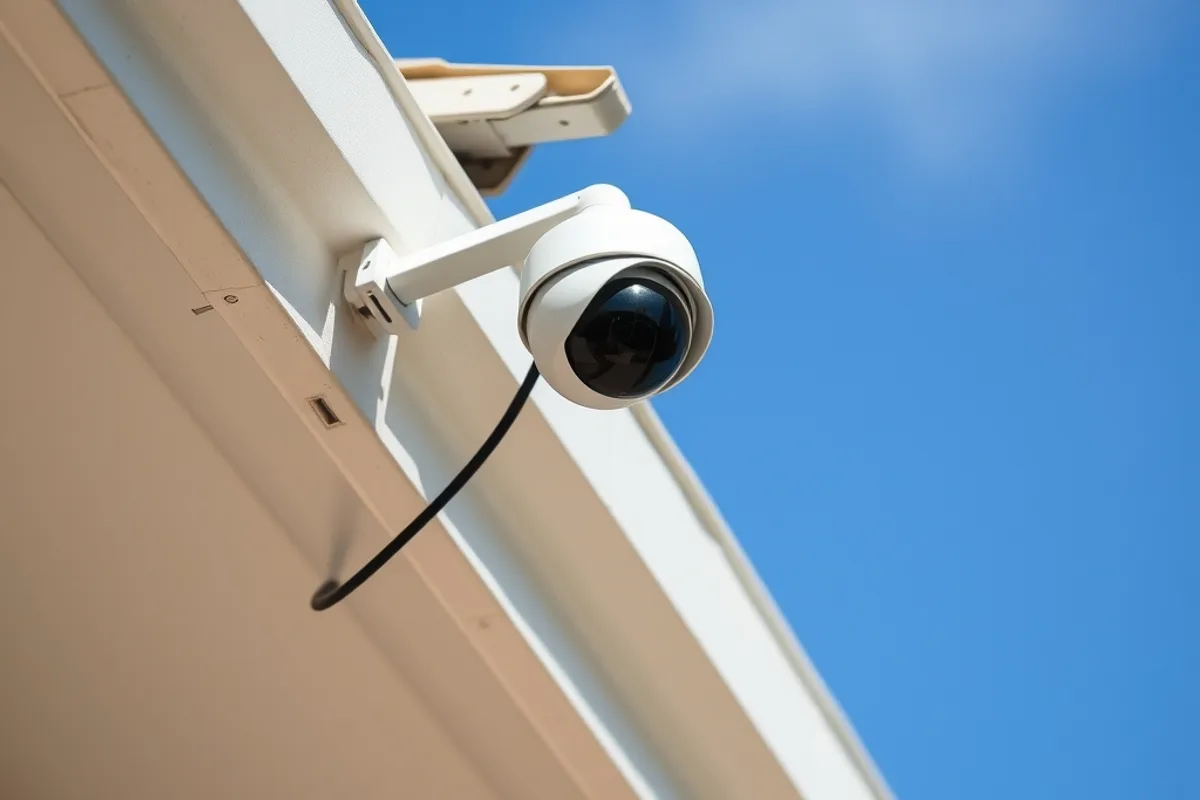
- Height: 2.5–3 m is a good compromise — above reach, still able to see faces.
- Angle: slightly downward, avoiding direct sun and streetlights in frame.
- Distance: identification needs a face to fill a reasonable part of the frame; a 4K camera at 25 m still will not identify.
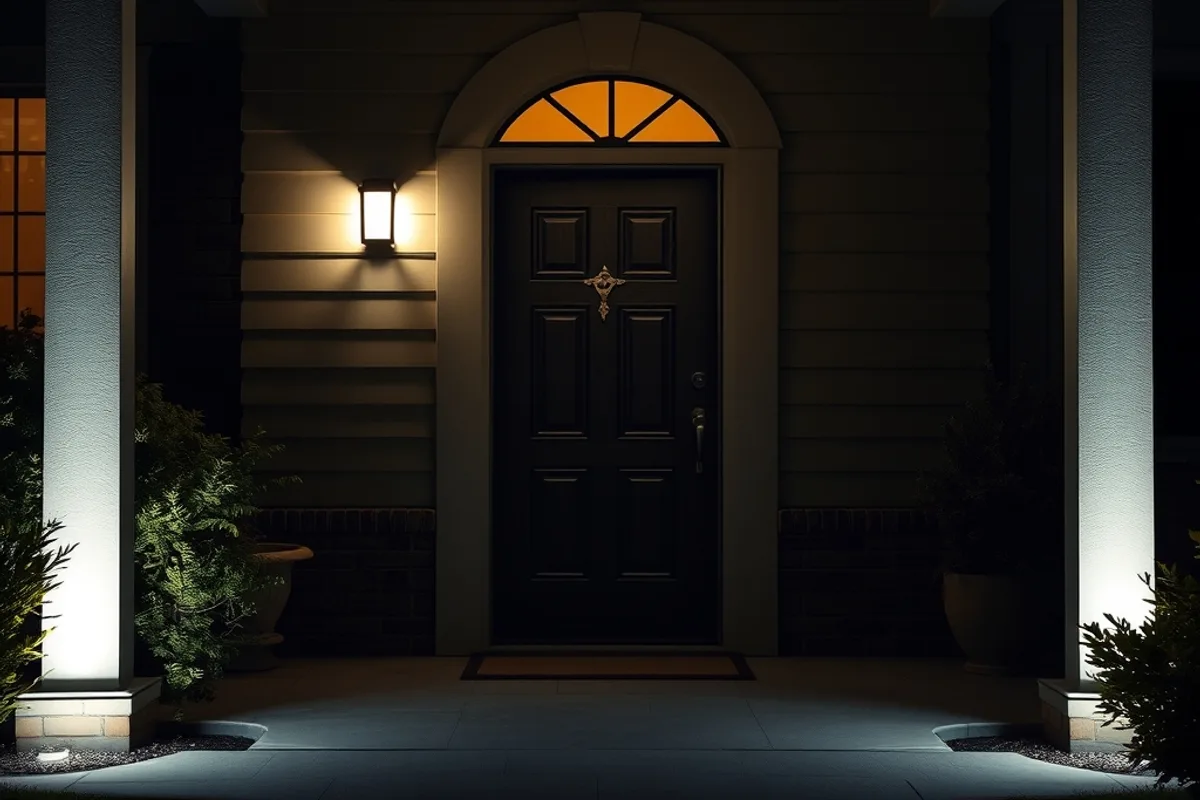
- Lighting: a well-lit 1080p camera beats a dark 4K one. Add controlled light at entries.
- Shelter: under eaves protects from rain and reduces lens flare.
Privacy and the law
Cameras should record your property, not your neighbour's living room. Point them away from neighbouring windows and shared gardens, and use privacy masks in the app for unavoidable areas. In many jurisdictions, audio recording has stricter rules than video. Display a small notice at the entrance if visitors may be recorded.
Network and power
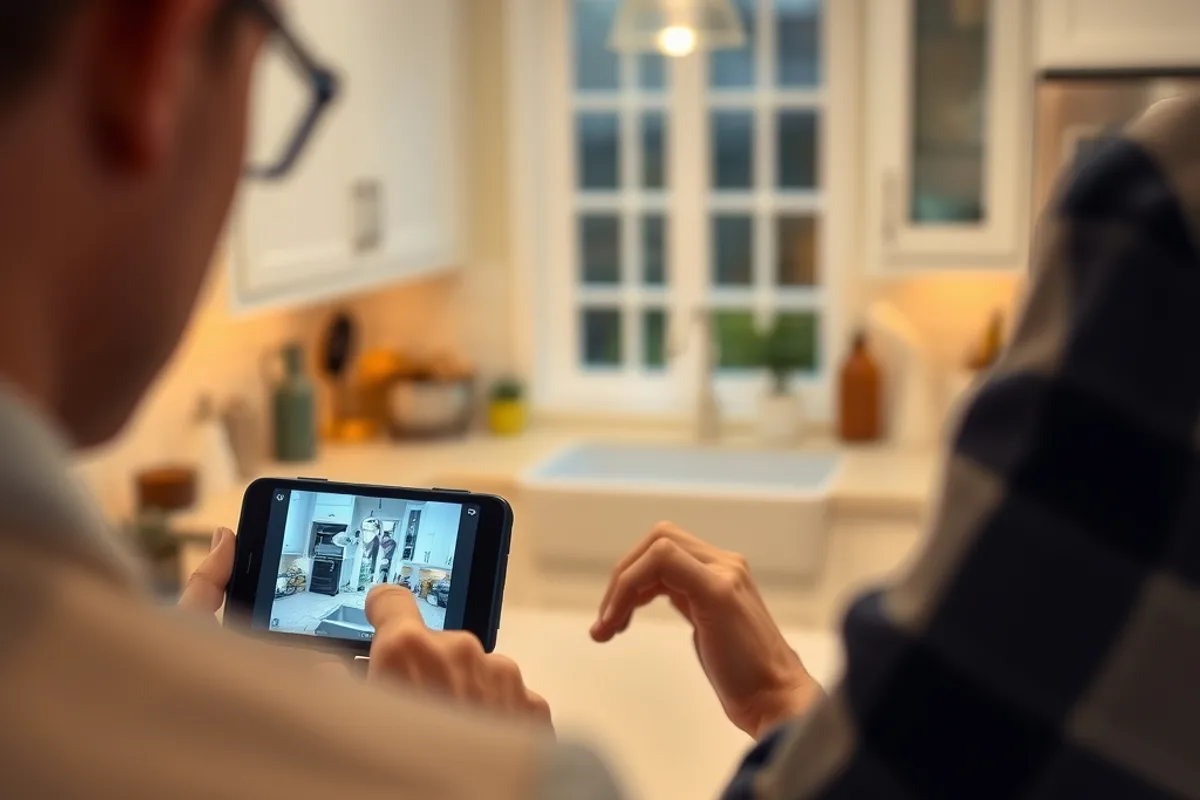
Wi-Fi cameras are convenient but unreliable at distance. For anything beyond the front door, prefer wired Ethernet (PoE) or a local recorder. If you must use Wi-Fi, check signal at the exact mounting point, not inside the house.
| Option | Strength | Weakness |
|---|---|---|
| Battery Wi-Fi | Easy install | Charging, missed events, weak signal |
| PoE wired | Reliable, no charging | Cable runs required |
| Local NVR | Own your footage | Setup and maintenance |
| Cloud subscription | Simple off-site backup | Recurring cost, privacy questions |
Recording strategy
Continuous recording catches context; event recording saves storage. A practical mix is continuous low-resolution plus high-resolution event clips at entrances. Set retention long enough to be useful — 14 to 30 days is common — and test that you can actually export a clip.
Frequently asked questions
How many cameras do I need?
Most houses are well covered by three to five: front door, driveway, rear garden and one side passage. Add cameras only where the coverage map shows a real gap.
Do I need colour night vision?
It helps identification, but only with adequate light. Otherwise infrared is more reliable. Avoid pointing IR at reflective surfaces close to the lens.
Is Wi-Fi good enough?
For one doorbell camera, usually. For four or more, a wired backbone or a dedicated network is far more dependable.